> ## Documentation Index
> Fetch the complete documentation index at: https://docs.intros.ai/llms.txt
> Use this file to discover all available pages before exploring further.
# Insights
 Welcome to the Insights page, where you can view past intros you’ve made and monitor member engagement and feedback.
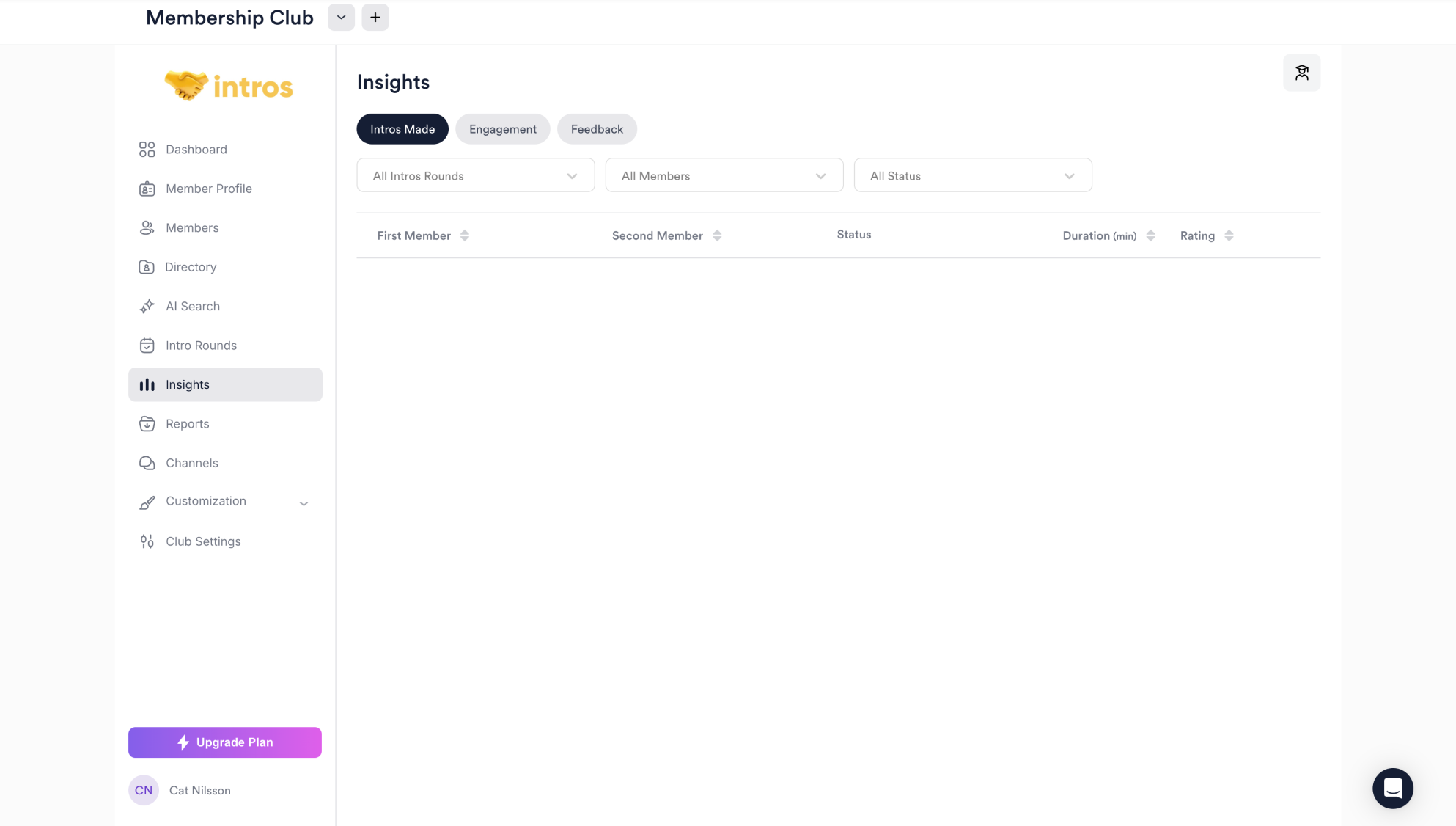
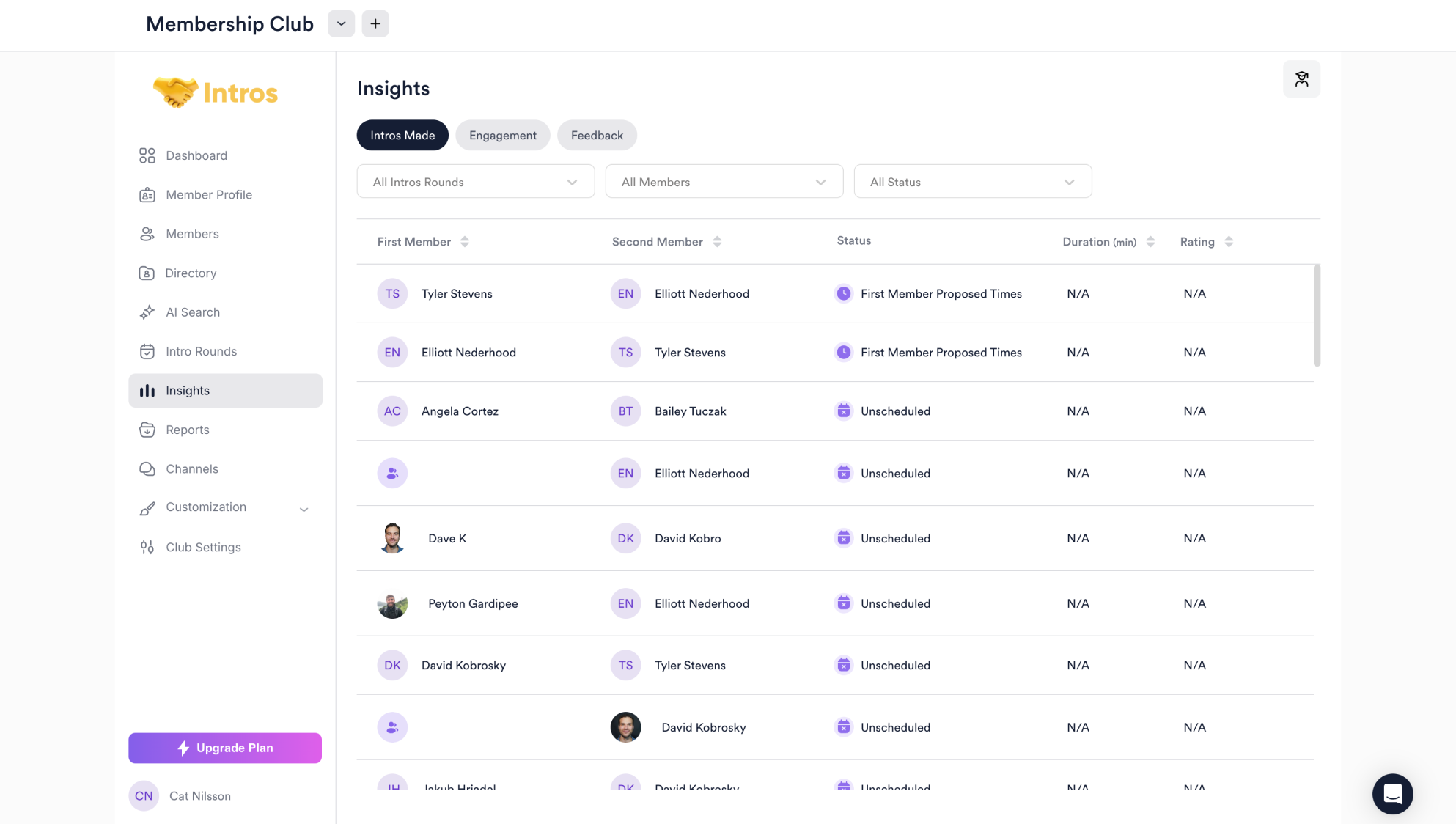
In the **Intros Made** tab, you can view matches between members and a brief overview of information, including status, duration, and rating.
You can use the filters at the top of each tab to sort the information needed accordingly.
Welcome to the Insights page, where you can view past intros you’ve made and monitor member engagement and feedback.
In the **Intros Made** tab, you can view matches between members and a brief overview of information, including status, duration, and rating.
You can use the filters at the top of each tab to sort the information needed accordingly.
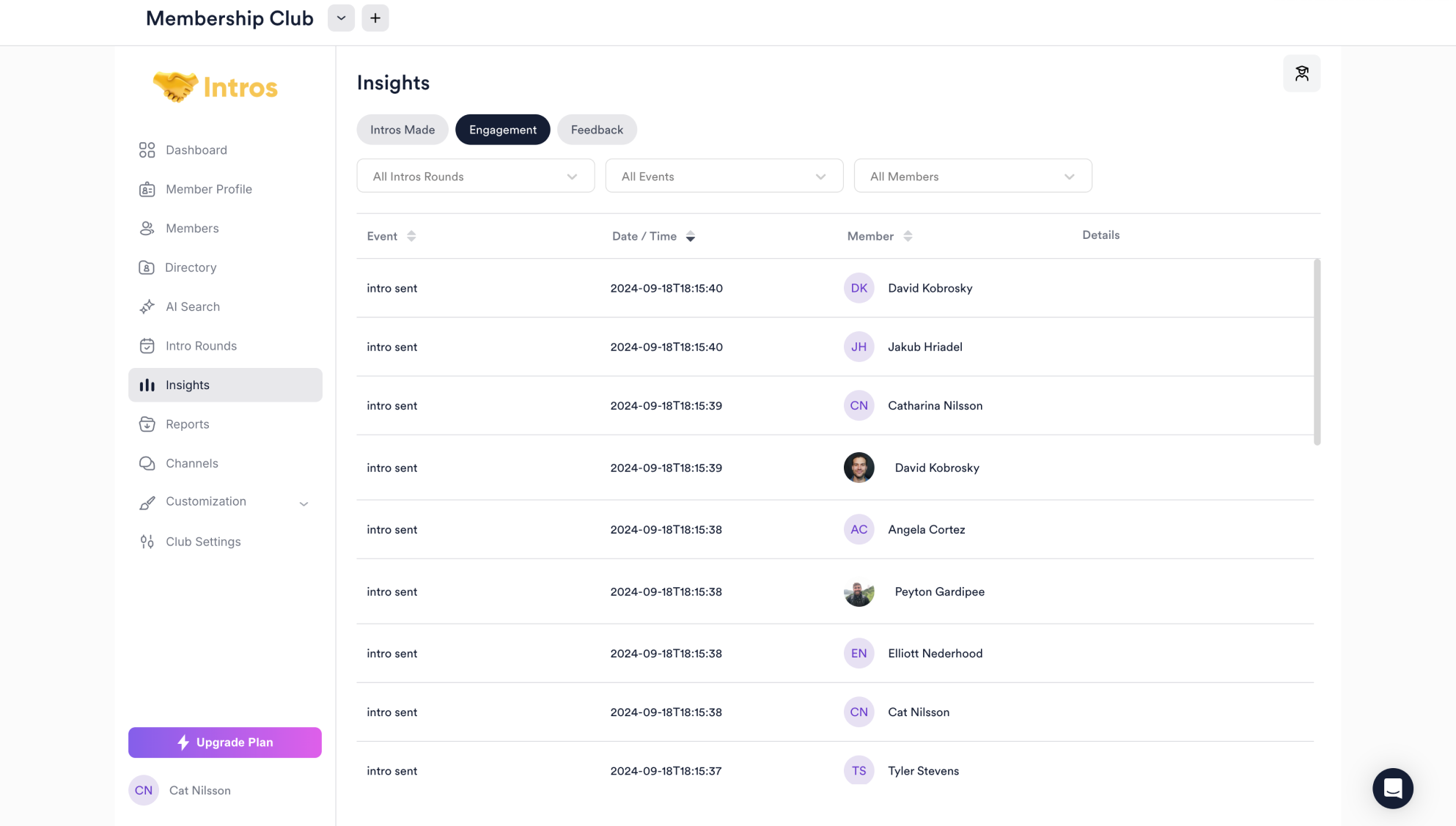
 In the **Engagement** tab, you can view events along with their dates, times, involved members, and intro details.
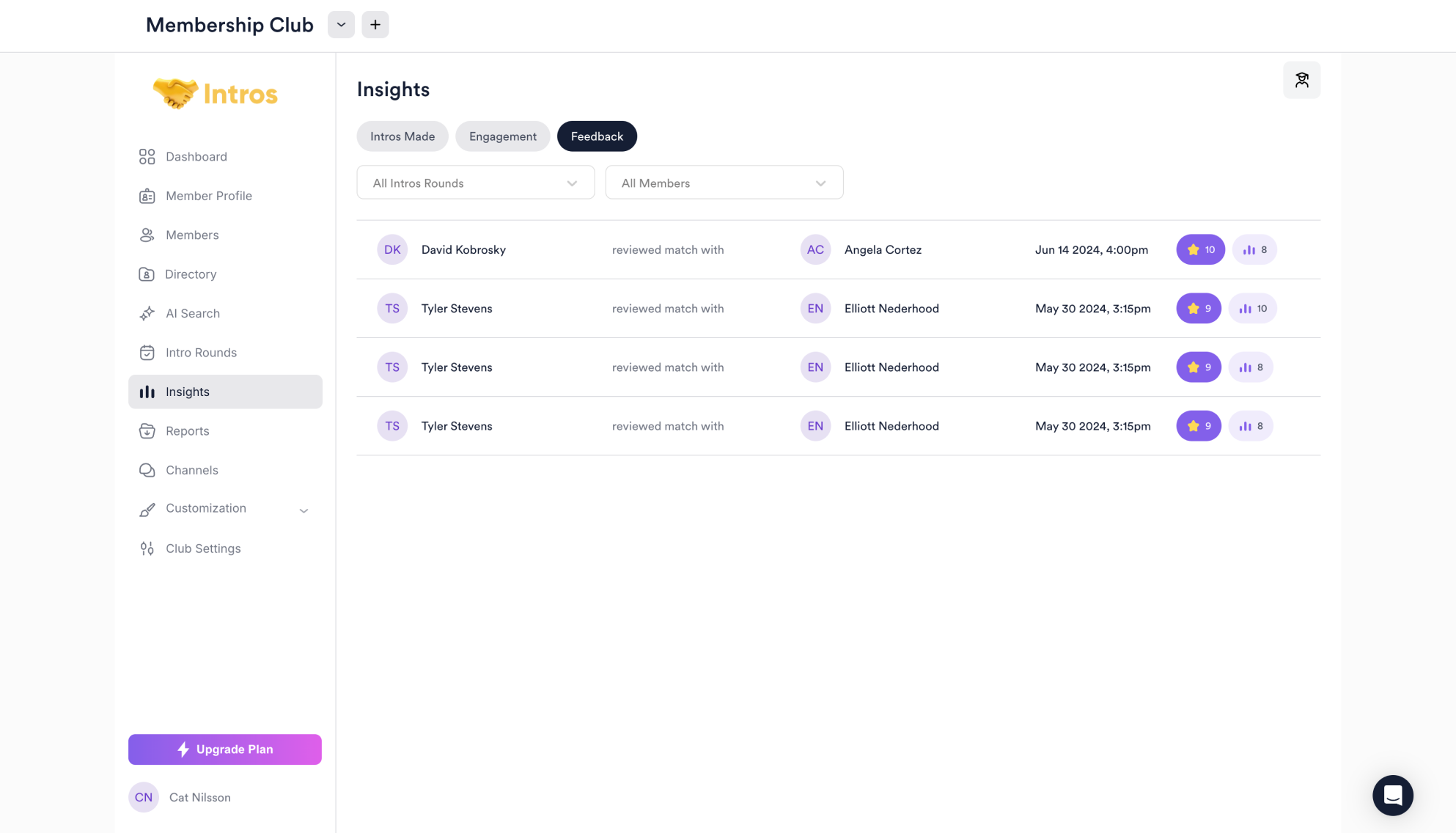
 In the **Feedback** tab, you can choose a specific Intro Round or member to view their feedback.